
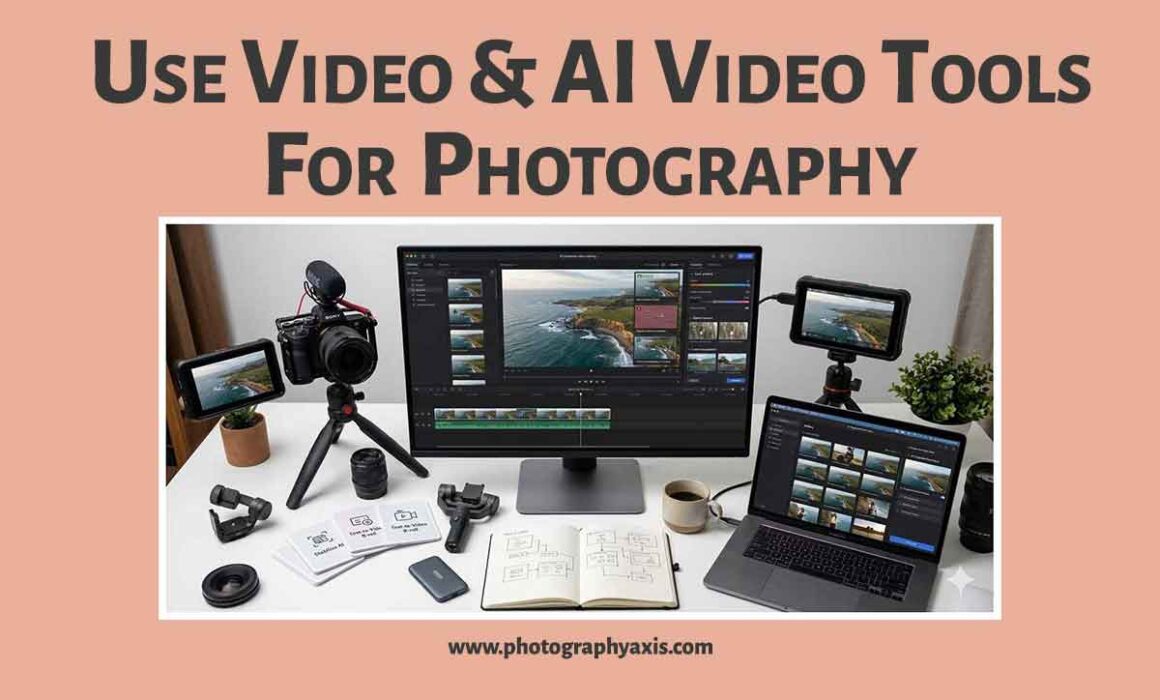
How to Use Videos & AI Video Tools for Photography?
Photography has been about capturing a single moment in time, but the growing popularity of video content and advancements in Artificial Intelligence (AI) are changing the way photographers work.
Today, videos are no longer limited to filmmakers. Photographers can use video clips and AI-powered tools to enhance their creative process, improve post-production, and deliver a richer experience to clients.
Whether you’re a beginner or a professional, incorporating videos and AI video tools into your workflow can elevate your photography projects and unlock new creative possibilities.
1. Capture Video Alongside Your Photos 🏞
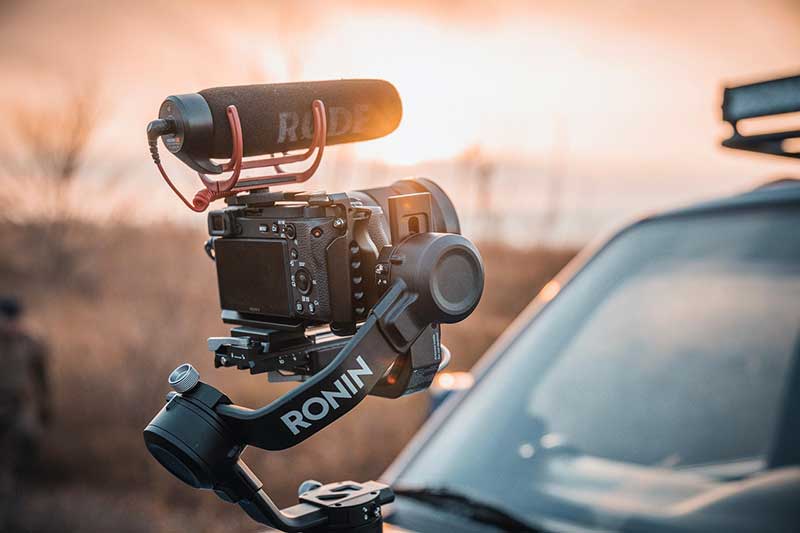
Many modern cameras are capable of recording high-quality video as well as taking stunning photographs. Even if you don’t have a camera capable of recording high-resolution videos, you can always use an AI video enhancer to improve your video quality.
Don’t limit your shoot to still images; consider recording short clips before, during, or after taking photos. These clips can capture movement, natural expressions, changing light, or environmental details that complement the final photographs.
For example, during a portrait session, a few seconds of walking, laughing, or interacting naturally can provide additional creative material that enhances the overall project.
2. Extract Perfect Frames from Video 🎥
High-resolution video recordings contain dozens of frames every second. AI-powered software can analyze these frames and help photographers select the sharpest image with the best facial expression or body position.
This approach is especially useful in sports, wildlife, dance, or children’s photography, where timing is critical and capturing the exact moment with a single photo may be challenging.
By using video as a source of still images, photographers increase their chances of obtaining the perfect shot.
3. Rebranding Videos with AI 👩💻
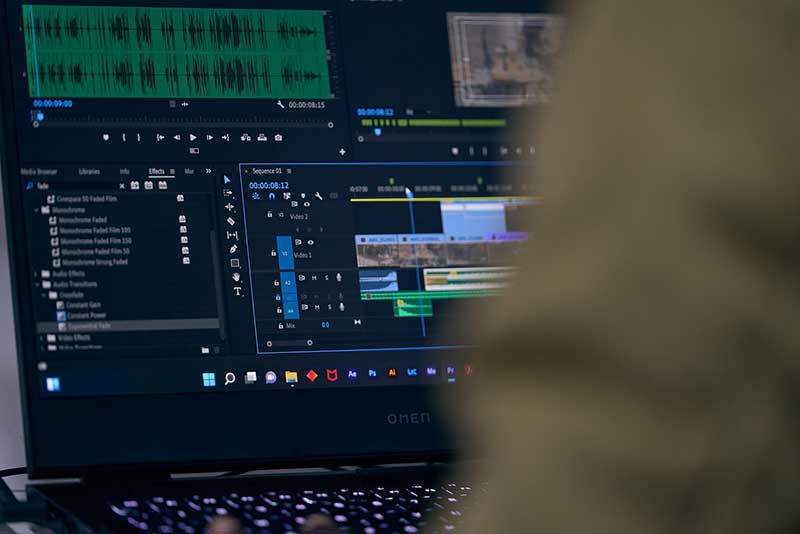
There are situations where you may have to rebrand your current photography business. In such situations, you may have to add your new logo to existing old videos with the old logo.
Doing this manually will take lots of time. This is where you can use the service of online AI tools to remove watermarks from videos and add your new logo to the old video.
4. Create Cinematic Slideshows 🌌🏞🏙
Instead of presenting photographs individually, photographers can use AI video tools to create cinematic slideshows featuring animated transitions, zoom effects, background music, and text overlays.
Wedding albums, travel photography collections, family portraits, and graduation sessions become more engaging when displayed as dynamic visual stories rather than static galleries.
These presentations can also serve as memorable keepsakes for clients.
5. Use AI for Video Editing 👩💻
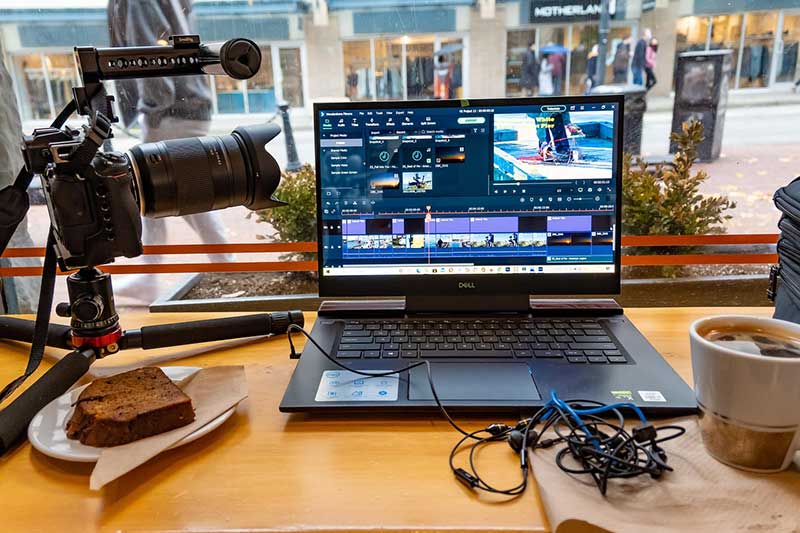
Editing videos used to require advanced technical skills and hours of manual work. AI-powered editing tools now automate many tasks, including trimming clips, stabilising shaky footage, correcting colors, reducing noise, and synchronising music.
Some applications can even identify highlights automatically and generate polished videos with minimal user input.
This makes professional-quality editing accessible even to photographers with limited video production experience.
6. Enhance Storytelling Through Motion 📽
A photograph freezes a single instant, while video adds movement and atmosphere. Combining both formats allows photographers to tell richer and more emotional stories.
For example, a landscape photographer might include short video clips showing moving clouds, flowing rivers, or wildlife before displaying the final still image.
Portrait photographers can record subtle movements such as smiles, hair blowing in the wind, or interactions between family members. This combination creates a more immersive viewing experience.
7. Create AI-Powered Highlight Reels 👩💻
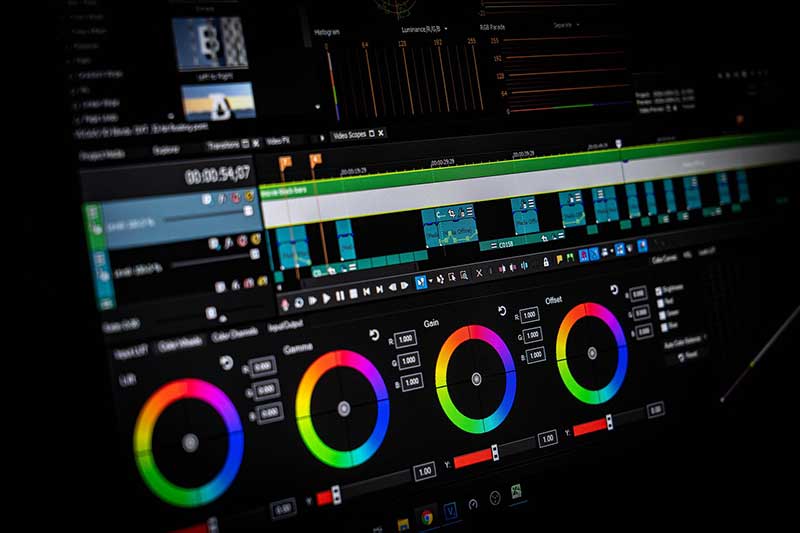
For events such as weddings, birthdays, corporate functions, or sports competitions, AI can automatically analyze footage and generate highlight videos featuring the most important moments.
By combining selected photographs with short video clips and background music, photographers can deliver engaging recap videos that clients are likely to share with friends and family.
These highlight reels increase the perceived value of photography services while creating memorable experiences.
8. Generate Time-Lapse & Hyperlapse Sequences 🌌
AI tools can help photographers create smooth time-lapse videos from a series of photographs. Sunset sequences, blooming flowers, city traffic, or changing weather conditions become visually striking when compressed into a short video.
Hyperlapse techniques combine movement with time-lapse effects, producing dramatic results that add another creative dimension to photography projects.
These videos can complement traditional photo galleries and demonstrate technical expertise.
9. Restore & Enhance Old Footage 📼
AI technology can improve the quality of older or low-resolution videos by reducing noise, increasing sharpness, stabilising movement, and enhancing colors.
Photographers working with historical archives, family memories, or documentary projects can restore aging footage and combine it with newly captured photographs to create compelling visual narratives.
This capability expands creative opportunities while preserving valuable memories.
Final Thoughts
Video and photography are no longer separate creative disciplines. By integrating short video clips into photoshoots and using AI-powered tools for editing, organisation, enhancement, and presentation, photographers can create more engaging visual stories and work more efficiently.
You must view AI as a creative assistant rather than a replacement for artistic skill. When combined thoughtfully with strong photography techniques, AI video tools can help produce richer projects, simplify post-production, and open new possibilities for visual storytelling in today’s digital world.
